Content production
One event, three proof windows
Capture the operational story around a real job instead of inventing disconnected daily posts.
Build one content loop from work you already perform
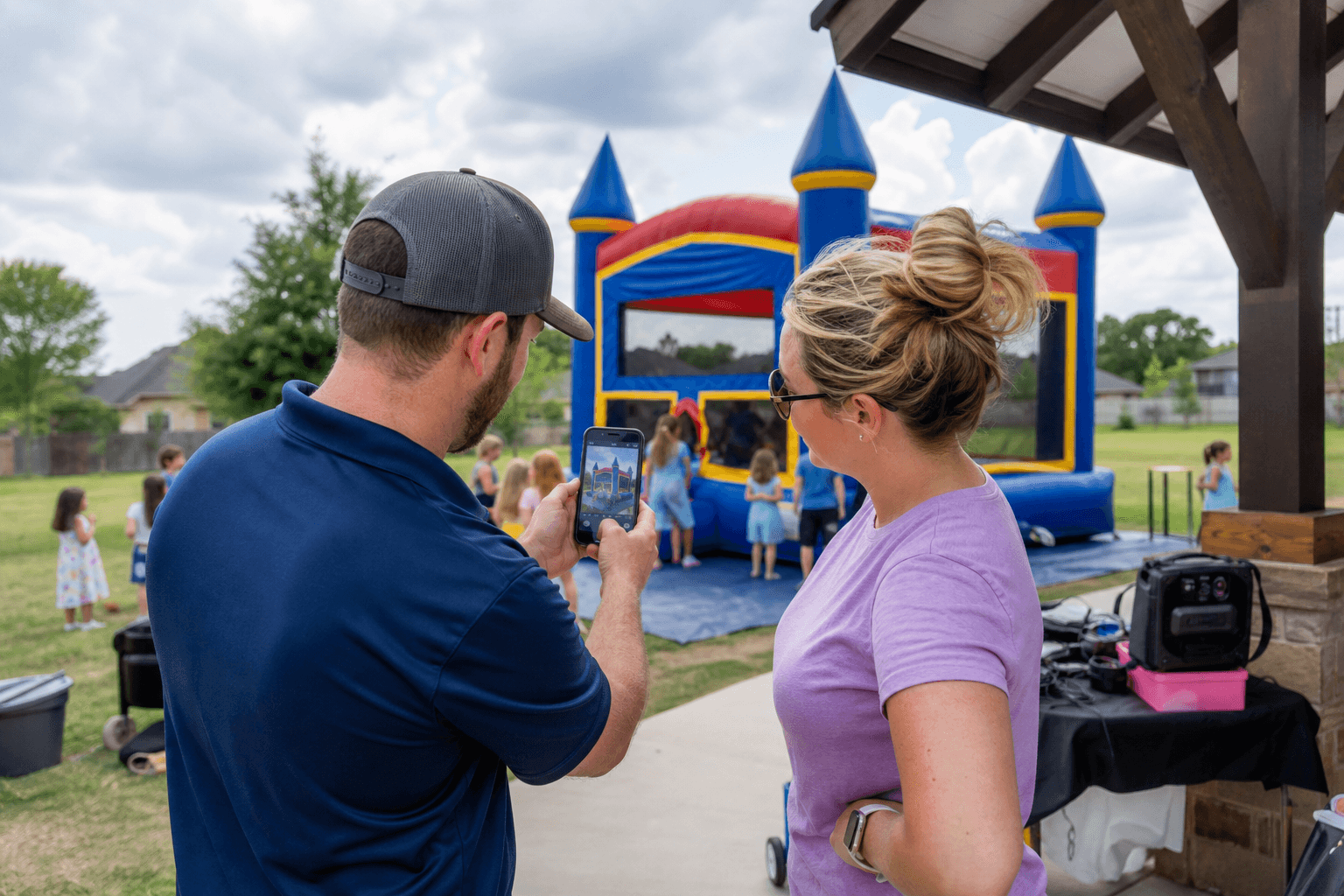
Every completed delivery can produce the raw material for several useful posts: one wide setup photo, one short inflation or transformation clip, one close-up of the clean unit, one answer to a question the customer asked, and one customer comment you have permission to share. Capture those assets during the normal setup checklist so content does not depend on remembering later.
Create a shared phone album for each event date. Name it with the city, product, and job number. A manager can approve the best assets in minutes, and the same approved material can support Instagram, Facebook, Google Business Profile, product listings, and follow-up emails. That is how content saves time instead of consuming it.
The five-shot setup checklist
- Full unit with the surrounding setup area visible.
- Entry, landing, or key safety feature.
- Clean seams, netting, steps, or accessories.
- A seven-to-ten-second setup or reveal video.
- A product label or visual detail that proves which unit was delivered.
Never post children or identifiable guests without clear permission. When permission is uncertain, photograph the completed equipment before guests enter.
Use four post types that answer buying questions
| Post type | What it proves | Useful call to action |
|---|---|---|
| Real setup | The unit, condition, scale, and service area are real. | “Check whether this unit serves your ZIP code.” |
| Planning answer | You understand space, power, water, access, and supervision. | “Send the event address and date for a fit check.” |
| Customer outcome | You arrive, communicate, and solve event-day problems. | “See verified reviews and current availability.” |
| Open-date post | A specific date or unit is available without inventing a discount. | “Ask about this exact date and product.” |
Avoid filling the feed with flyers, generic stock graphics, or constant “book now” posts. Those assets say little about reliability. A useful ratio is three proof or planning posts for every direct promotional post. The page should feel like a record of good work.
Write captions that prequalify the customer
A strong caption answers five things quickly: what the rental is, where the setup occurred, who it fits, one important requirement, and the next step. For example: “This dual-lane water slide served a backyard event in Katy. It needs a clear delivery path, a suitable surface, power, water, and a drainage plan. Check your address and date before reserving.”
That caption is more useful than a string of hashtags because it helps the right customer recognize a fit. Keep local references honest. Mention a city only when you actually deliver there, and link to the closest relevant inventory or booking page rather than sending every post to the homepage.
Turn attention into a fast response system
Social marketing fails when an inquiry sits unanswered. Save short reply templates for the questions that appear repeatedly: date, address, event surface, guest ages, access width, power, water, and preferred item. The first reply should collect the facts needed to check fit, not start a ten-message conversation.
Give one person ownership of the inbox during defined hours. Use labels such as new lead, waiting for address, quote sent, booked, and unavailable. If a lead is not a fit, say so promptly. Fast, clear declines save as much time as fast approvals.
Track bookings, not applause
Record the source on every inquiry and confirmed booking. At minimum, track inquiries, qualified inquiries, quotes, bookings, booked revenue, and the staff time used to create and answer content. Add campaign tags to the booking links you control so website analytics can distinguish Instagram, Facebook, Google Business Profile, and partner referrals.
Review results monthly. A post with fewer views can be more valuable if it generates two qualified local inquiries. Repeat the formats and products that create profitable bookings; stop spending time on formats that attract people outside your service area or people searching for entertainment rather than rentals.
A two-hour weekly workflow
- Thirty minutes: collect approved photos and questions from the past week.
- Forty-five minutes: draft three proof or planning posts and one availability post.
- Fifteen minutes: add accurate local links and schedule the posts.
- Thirty minutes: review inquiries, source tracking, and the posts that produced real conversations.
The system becomes faster as the library grows. Product FAQs can be reused, seasonal reminders can be refreshed, and strong setup photos can improve the product page as well as the social feed.
Use a monthly content scorecard
Give every published post a row with the date, platform, product, market, post type, creation time, inquiries, qualified inquiries, bookings, and booked contribution. Add a short note describing why the customer responded. After three months, the scorecard should reveal which products, questions, cities, and proof formats create real buying conversations.
Do not reward a post merely because it reached more people. A local setup post that reaches 400 people and produces one profitable booking can outperform a trend video seen by 20,000 people outside the service area. Use the scorecard to protect the team from vanity metrics and to choose next month's content from evidence.
Continue the operator playbook
Use the next guide that matches the constraint you are solving now:
Measurement
The weekly social scorecard
Connect content activity to qualified local demand and operating outcomes.
A practical next channel, when the operation is ready
A repeatable content and response system should already be producing clear listings, current availability, and prompt customer communication. Bouncehouse360 can add local marketplace visibility without asking you to replace the system that already runs your business. Approved vendors can sync existing inventory with no upfront charge, receive booking opportunities that match their service area and availability, and keep fulfilling orders through their own operation.
It is one channel, not a substitute for good pricing, safe equipment, dependable delivery, or direct customer relationships. If your listings and calendar are ready for more demand, applying is the sensible next step.
See how the vendor marketplace works
Free operator tool
Plan your party rental delivery route
Paste up to 10 delivery addresses, put the stops in a smarter order, and open the finished route in Google Maps. No vendor account is required.
Use the free route planner